
Collector guide
How to check centering, corners, edges and surface
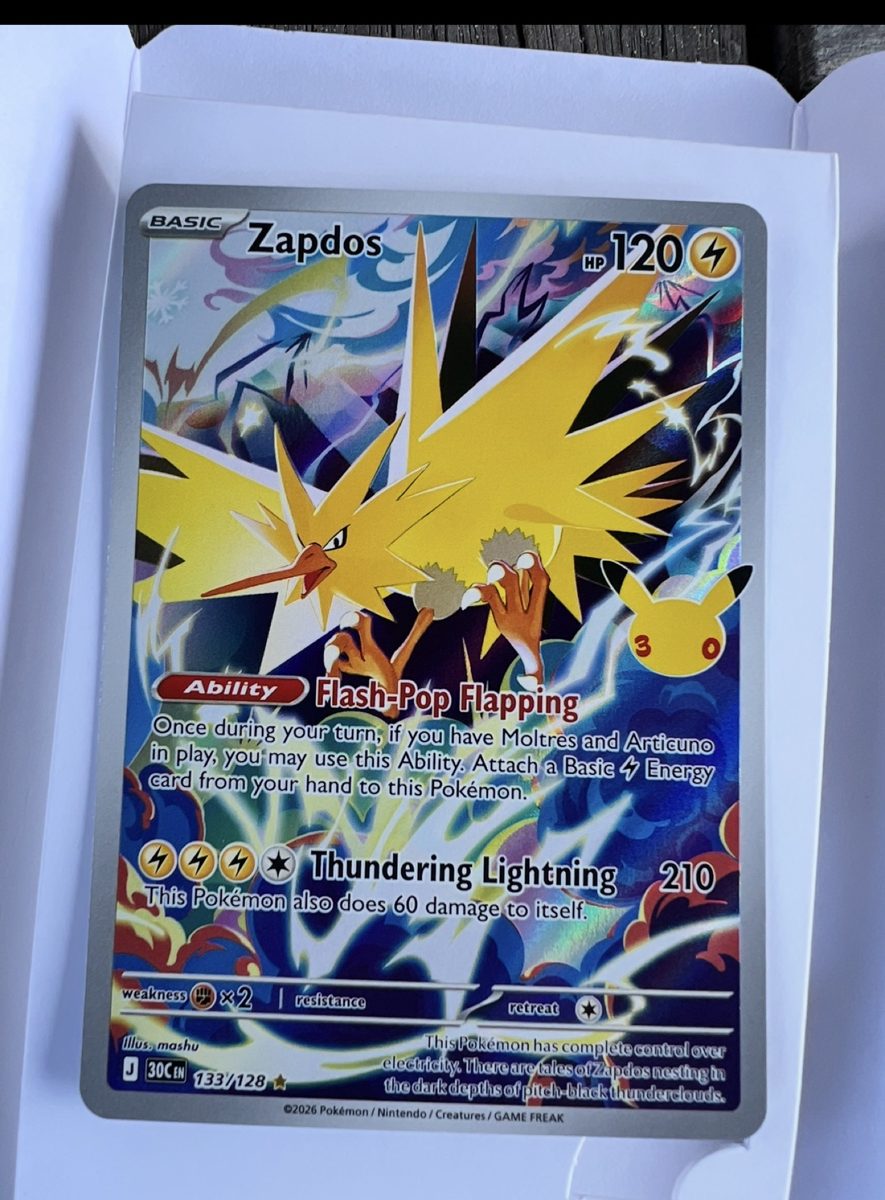
Graders look at four things: centering, corners, edges and surface. You can check all four at home with bright light and your phone's camera.
Centering
Compare the border widths on opposite sides. If the left border is a bit wider than the right, the card might be about 55/45 left to right. Do the same top to bottom, and on the back.
- Lay the card flat and take a straight-on photo.
- Zoom in and compare the left and right borders, then the top and bottom.
- The more even the borders, the better. PSA's published standard for a Gem Mint 10 is about 55/45 or better on the front and about 75/25 or better on the back. Each grader publishes its own standards, and they can change, so check the grader's site.
Corners
Look at each corner up close. You're looking for white specks or wear, soft or rounded tips, and dings. On dark-bordered cards, even small white spots show up easily.
Edges
Run your eye along all four edges, front and back. Whitening, chipping and rough cuts lower the grade. The back edges are where wear often shows first.
Surface
Tilt the card under one bright light so it reflects. Scratches, print lines, scuffs, dents and fingerprints show up as the light moves across the card. Check the holo area carefully.
Handle cards by the edges, with clean, dry hands. Fingerprints and dust can look like surface flaws in photos.